Teleparty (formerly Netflix Party) is a browser extension that syncs playback on streaming-service websites. PartyStream is a standalone web app where one person streams a video file from their browser to everyone else. The difference sounds small. It is not.
The short version
Use Teleparty if everyone has a subscription to the same streaming service (Netflix, Disney+, Hulu, HBO Max) and you want to watch something on that platform together.
Use PartyStream if you want to watch your own video files, share your screen, or watch something that is not on a supported streaming service. No subscriptions, no extensions, no shared account.
How each one works
Teleparty is a browser extension (Chrome, Edge, Opera). You open a streaming-service website, start a video, click the Teleparty button, and share a link. Everyone who clicks the link needs the extension installed and an active subscription to that service. The extension syncs play, pause, and seek across everyone's browser, and adds a chat sidebar on top of the streaming site.
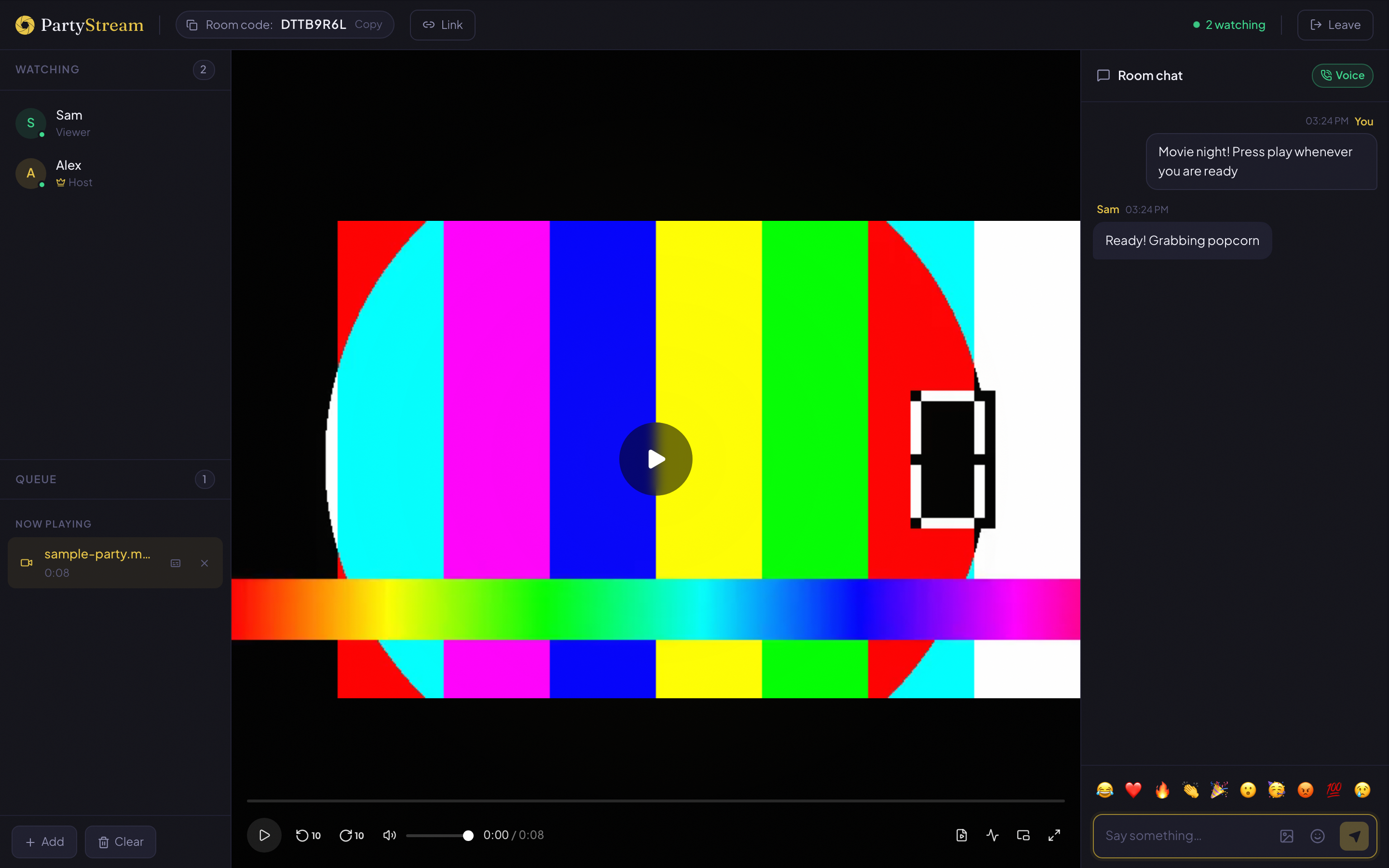
PartyStream is a website, not an extension. One person (the host) creates a room, picks a video file from their computer (or shares their screen), and shares a room code or link. Guests open the link in any browser, type a name, and join. The host's browser encodes and streams the video directly to each guest. No subscription, no extension, no shared account.
Video sources
This is the biggest difference.
Teleparty works with content from specific streaming services. It supports Netflix, Disney+, Hulu, HBO Max, and a few others. You can only watch what is available on those platforms, and everyone needs their own subscription. If the movie you want is not on any of them, Teleparty cannot help.
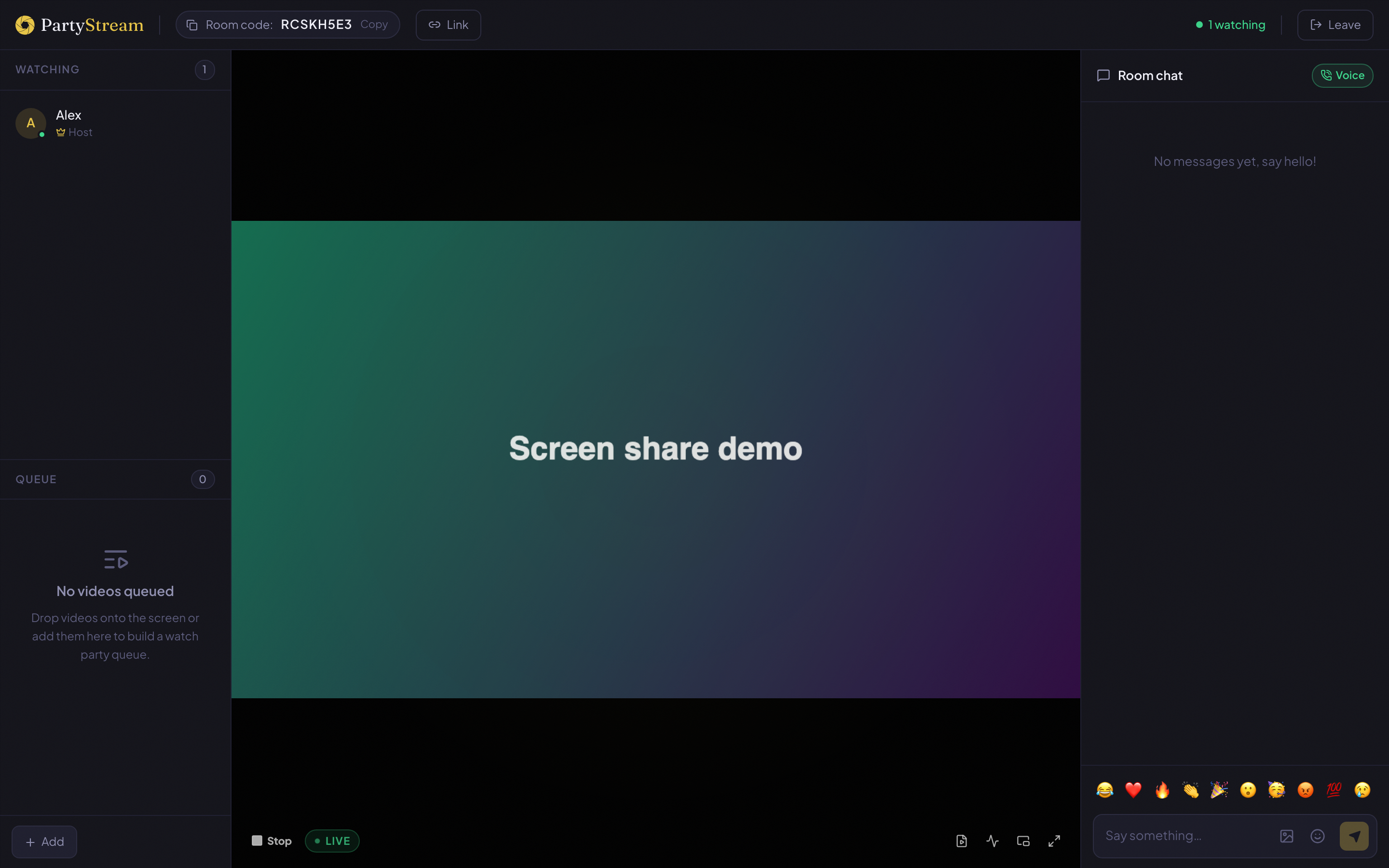
PartyStream works with any DRM-free video file the host's browser can play: home videos, downloaded films, lecture recordings, gameplay captures, creative-commons content, or a screen share of a browser tab. The host picks the file, not a platform. If you have the file, you can watch it together.
If you want to watch something on YouTube together, PartyStream supports that natively. The host pastes a YouTube link and everyone watches the same video in sync, each at YouTube's native quality. See our YouTube co-watch guide for how it works.
Sync and playback control
Both tools sync playback across participants. The approach differs.
Teleparty syncs play, pause, and seek by intercepting the streaming site's video player. Anyone in the party can pause or seek, and it propagates to everyone. This is convenient but can be chaotic if someone accidentally skips forward.
PartyStream gives playback control to the host only. The host presses play, pauses, and seeks, and everyone follows within half a second. Guests cannot control playback. This is a deliberate choice: it keeps everyone on the same frame and prevents accidental skips. If someone needs a break, they ask the host to pause.
Chat and reactions
Both have text chat in a sidebar. Teleparty adds a chat panel on top of the streaming site, with basic text messages and emoji. PartyStream has a dedicated chat panel with text messages, floating emoji bursts that animate across the screen, a full emoji picker, and GIF search.
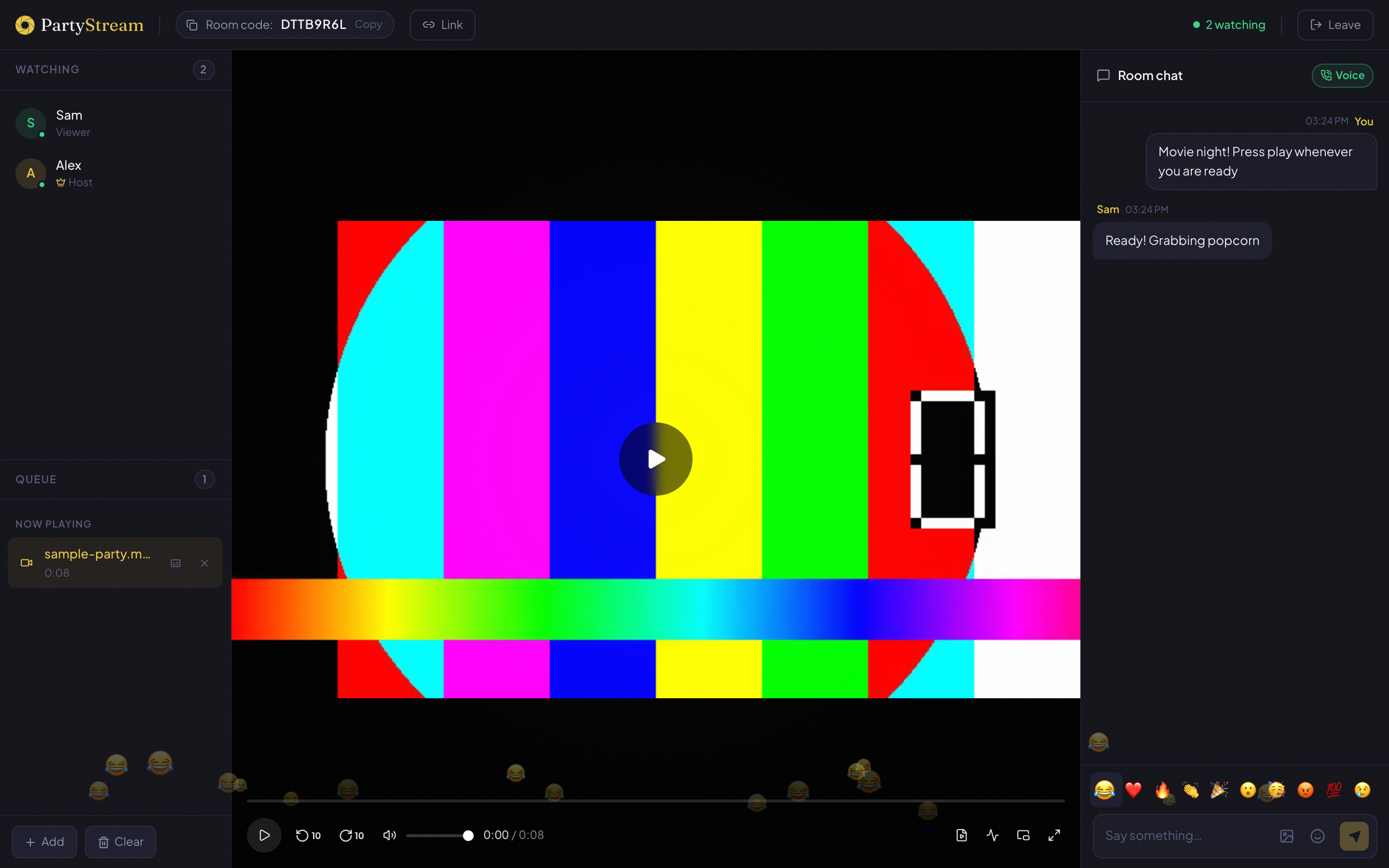
PartyStream also supports voice chat (if the host has it enabled), so you can talk over the video instead of typing. Teleparty does not have voice chat.
Accounts and installs
Teleparty requires:
- A browser extension installed on every participant's browser (Chrome, Edge, or Opera only).
- An active subscription to the streaming service, for every participant.
- Everyone to be on a desktop browser (no mobile support for the extension).
PartyStream requires:
- Nothing. No account, no email, no extension, no subscription.
- The host needs a desktop browser (Chrome, Firefox, Safari, or Edge).
- Guests can join from any browser, including phones and tablets.
If your friends are not tech-savvy, the "just click this link" experience of PartyStream is easier than "install this extension, then click this link, then make sure you are logged into Netflix."
Privacy
Teleparty routes chat messages and sync commands through its servers. The video itself comes from the streaming service, so Teleparty never touches it. But the extension does have access to the pages you visit on supported streaming sites, which is how it detects and controls the video player.
PartyStream streams video directly between browsers, so your video never touches a server. The video data goes directly from the host to each guest, never through PartyStream's servers. The server handles only signaling (room creation, chat relay, sync commands) and holds nothing after the room closes. No accounts means no email, no profile, no tracking identifier.
Limits
Teleparty:
- Limited to supported streaming services.
- Everyone needs a subscription to the same service.
- Desktop only (Chrome, Edge, Opera).
- Extension must be installed and up to date.
- Can break when streaming sites update their player UI.
PartyStream:
- Up to 4 guests per room, plus the host.
- The host needs a decent upload connection (roughly bitrate times guest count).
- Supports DRM-free video files, screen shares, and YouTube links. No native integration with other streaming services (Netflix, Disney+, etc.).
- The host needs a desktop browser. Guests can use mobile.
- If the host's internet drops, the room ends.
When to use which
Use Teleparty when:
- Everyone has a subscription to the same streaming service.
- You want to watch something currently on Netflix, Disney+, Hulu, or HBO Max.
- Everyone is on a desktop browser and comfortable installing an extension.
- You want anyone in the party to be able to control playback.
Use PartyStream when:
- You want to watch your own video files, not something on a streaming service.
- Not everyone has a subscription to the same platform.
- You want guests to join from a phone or tablet without installing anything.
- You want to share your screen (a browser tab, a desktop, a YouTube video).
- You want voice chat alongside the video.
- You want a private room with no public listing and no account.
They are not mutually exclusive. If you and your friends have Netflix subscriptions and want to watch a Netflix original together, Teleparty is the right tool. If you want to watch a film from your own library, or your friends do not all have the same subscriptions, PartyStream is the right tool. Some groups use both, depending on the week.
Want to try PartyStream?
Create a room